DirectOffices Introduces Redesigned Office Listing Pages
DirectOffices has unveiled newly redesigned office listing pages, featuring a clean, modern, and data-rich layout. This update, driven by user feedback, improves clarity and usability for both tenants and property owners by providing all essential information in one accessible place.
February 17, 2026
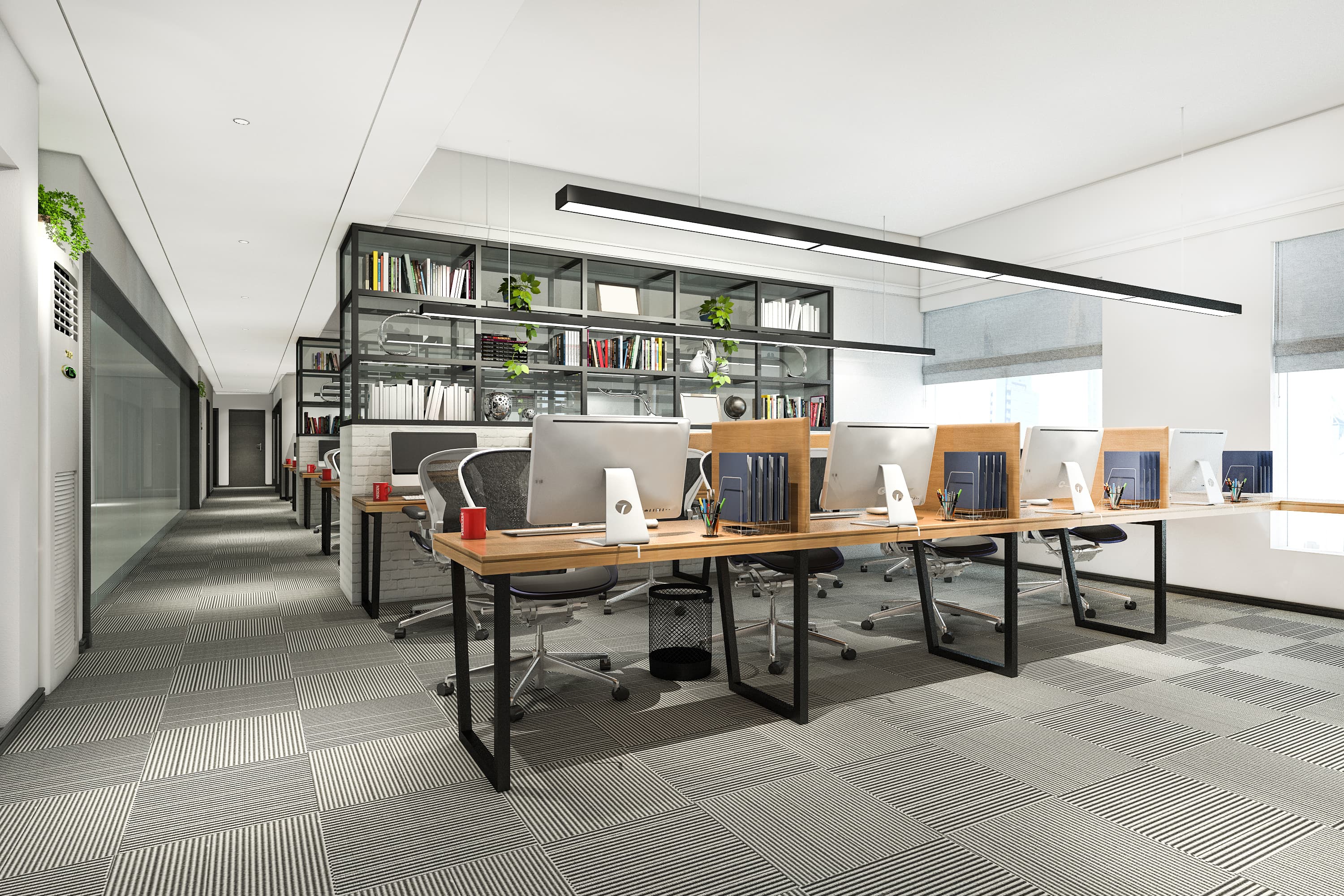
In its latest effort to create the most transparent and efficient commercial real estate marketplace, DirectOffices has unveiled its completely redesigned office listing pages. This significant update was born from months of in-depth user research, A/B testing, and direct feedback from both tenants and property owners. The result is a clean, modern, and data-rich layout that transforms each listing into a comprehensive digital brochure, empowering businesses to make faster, more informed decisions.
A User-Centric Redesign
The previous generation of online real estate listings often left users with more questions than answers. Information was frequently scattered, incomplete, or buried in dense blocks of text. Recognizing these friction points, the DirectOffices design team adopted a user-centric philosophy, focusing on clarity, scannability, and visual storytelling. "Our core mission was to anticipate every question a prospective tenant might have and answer it elegantly within the page," said the lead UI/UX designer. "We wanted to move beyond a simple classified ad and create an immersive profile that truly captures the essence and utility of a workspace."
Key Sections of the New Listing Page
The new listing page is thoughtfully structured into several key sections, each designed to provide critical information at a glance while inviting deeper exploration:
- The Immersive Hero Section: The top of the page is dominated by a stunning, high-resolution photo gallery. The main image is large and impactful, with an easily accessible grid of thumbnails below. Users can open a full-screen, interactive gallery to view every photo in detail. Overlaid on the main image are key "at-a-glance" details: the monthly price, square footage, and office type. This ensures that the most critical decision-making information is presented upfront, allowing users to quickly qualify or disqualify a space.
- The Comprehensive Overview: Below the gallery, a clean, two-column layout provides a detailed summary. On one side, a well-structured description, written by the property owner, tells the story of the space. On the other, a dynamic map showcases the property’s exact location, complete with an integrated Google Street View and information about nearby transit options and points of interest. This section also includes a clear call-to-action to contact the owner, making the next step seamless.
- The Amenity Showcase: Gone are the days of scanning long, boring lists of amenities. The new design features a visually appealing, icon-based system that makes it incredibly easy to see what a property offers. Amenities are grouped into logical categories like "Technology & Connectivity," "Comfort & Facilities," and "Safety & Security." The most sought-after amenities are highlighted, and a "Show all amenities" button opens a modal with a comprehensive checklist, allowing users to quickly verify if their must-have features are available.
- Transparent Pricing and Terms: In a dedicated section, all available pricing models (hourly, daily, weekly, monthly) are clearly laid out. Any additional costs, such as cleaning fees or security deposits, are explicitly stated. This commitment to transparency eliminates the frustrating back-and-forth negotiations over hidden fees and builds trust from the very beginning.
- The Host Profile: The human element is crucial in building trust. A new, prominent section is dedicated to the property owner or manager. It features their profile picture, name, response rate, and a brief bio. This helps personalize the experience and assures tenants that they are communicating with a real, verified individual.
- Social Proof with Reviews and Ratings: Authentic user-generated content is paramount. The redesigned reviews section provides a summary of the property's average rating and total number of reviews. Individual reviews are displayed in a clean, easy-to-read format, complete with the reviewer's name, photo, and the date of their stay. This social proof is invaluable for tenants evaluating a new space.
Benefits for Property Owners
The benefits of this redesign extend to property owners as well. The new layout provides a more professional and compelling canvas to showcase their spaces. The structured format guides owners to provide the kind of detailed information that high-quality tenants are looking for, which in turn leads to more qualified inquiries. "The new listing page is a game-changer for us," commented one property manager who participated in the beta testing. "It allows us to tell a complete story. We've seen a 40% increase in qualified leads because prospective tenants arrive at the first conversation already well-informed and genuinely interested."
By prioritizing intuitive design and comprehensive information, DirectOffices is not just improving the aesthetics of its platform; it is fundamentally improving the efficiency of the office search process. The new listing pages reduce uncertainty, build trust, and empower both tenants and owners to connect with the right partners, faster. This update is a testament to the company's commitment to listening to its users and continuously innovating to serve their needs.